 PageScan
The PDF scanner that stays on your phone
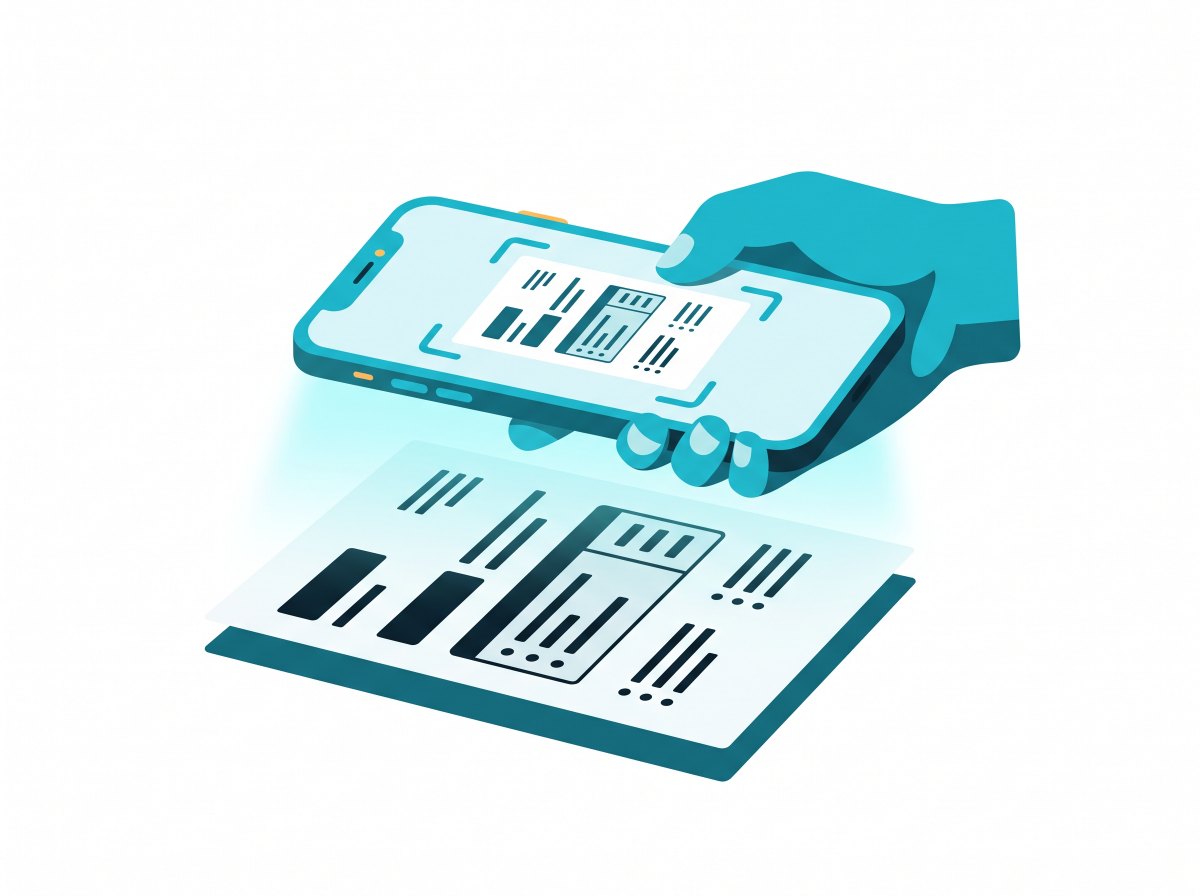
Point your iPhone at a receipt, contract or notebook. PageScan finds the edges, flattens the page, cleans up shadows and saves a sharp PDF you can search, sign and send.
Coming soon on the App StoreFree. No account. Works offline.
Everything a document scanner should do
And nothing that sends your paperwork to someone else's server.
Scan to PDF
Live edge detection and auto capture. Scan twenty pages in a row and get one tidy PDF.
Shadows gone
Magic filter evens out the light and turns grey paper white. Gray and B&W for crisp text.
OCR text recognition
Pull text out of any page, copy it, or export a searchable PDF with a hidden text layer.
Sign documents
Draw your signature once, then drop it on any page and pinch to size.
Crop and straighten
Drag the corners on a photo from your camera roll and PageScan fixes the perspective.
Password-protected PDF
Lock a PDF before you email it. Choose A4, Letter, Legal or fit to page.
JPG and PDF export
Share as PDF or images, save pages to Photos, or send straight to Files, Mail and WhatsApp.
Face ID lock
Keep IDs and bank letters behind Face ID. Your library is searchable by the words inside.
Questions
Is PageScan free?
Yes. Scanning, filters, OCR, signatures and PDF export are free, with no watermark.
Are my documents uploaded anywhere?
No. PageScan has no servers and no account. Scans, text recognition and PDFs are all made on your iPhone.
Can PageScan make a searchable PDF?
Yes. Turn on Searchable text when exporting and PageScan adds an invisible OCR text layer, so you can search and copy words in any PDF reader.
Which languages does OCR read?
PageScan uses Apple's on-device text recognition, which reads English, Spanish, French, German, Italian, Portuguese, Chinese, Japanese, Korean and more, and detects the language automatically.
Can I import a photo or an existing PDF?
Yes. Import photos from your library or images and PDFs from Files. PageScan detects the page in a photo and lets you adjust the corners.